Watch the video
Quick version? Watch the video. For full context, read the article.
Many organizations have hundreds (or thousands) of PDFs on their website that do not comply with PDF/UA (ISO 14289). That may sound like a technical detail, but in practice it directly affects legal accessibility requirements and the usability of your information for everyone (screen readers, keyboard navigation, text reuse). In this post you’ll learn:
- what PDF/UA actually is and why your current PDFs often fail,
- how European digital-accessibility obligations apply to PDFs,
- and how Elk Solutions solves this automatically: analyze → classify → reconstruct → regenerate → validate with veraPDF.
1) Why your current PDFs are often “not accessible”
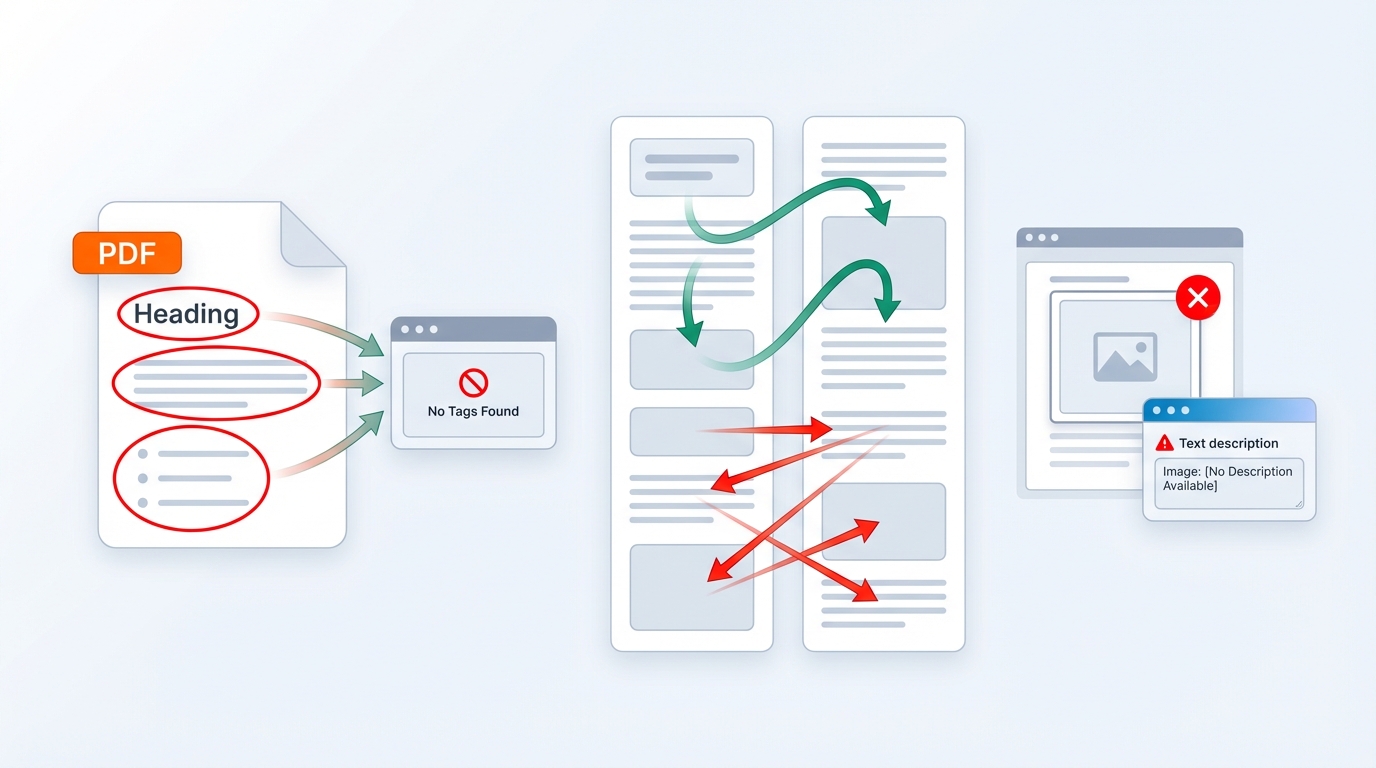
A PDF can look visually perfect, yet still be inaccessible. Common causes include:
- No tags (Tagged PDF) → screen readers can’t tell what headings, paragraphs, lists, and tables are.
- Wrong reading order → multi-column layouts, text boxes, footnotes, headers/footers get mixed up.
- Images without alternative text → important information is missing for assistive technology.
- Tables without headers/scope → relationships between row/column headers and cells are unclear.
- Unreliable text extraction → fonts/encodings lack correct Unicode mapping.
- Missing document language → screen readers can’t switch languages correctly.
2) Is this a legal requirement in Europe?
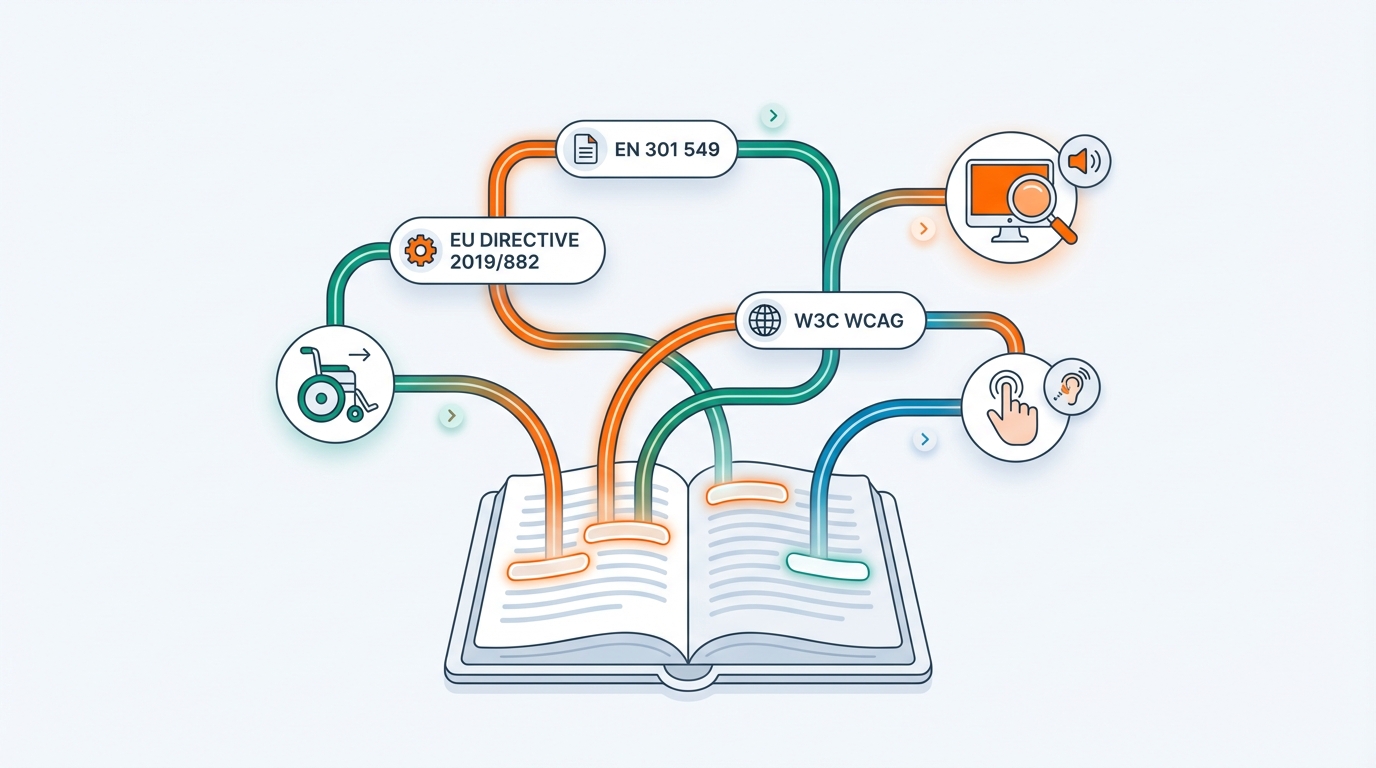
Europe typically doesn’t mandate “PDF/UA” as a required file format, but it does require accessibility of digital information.
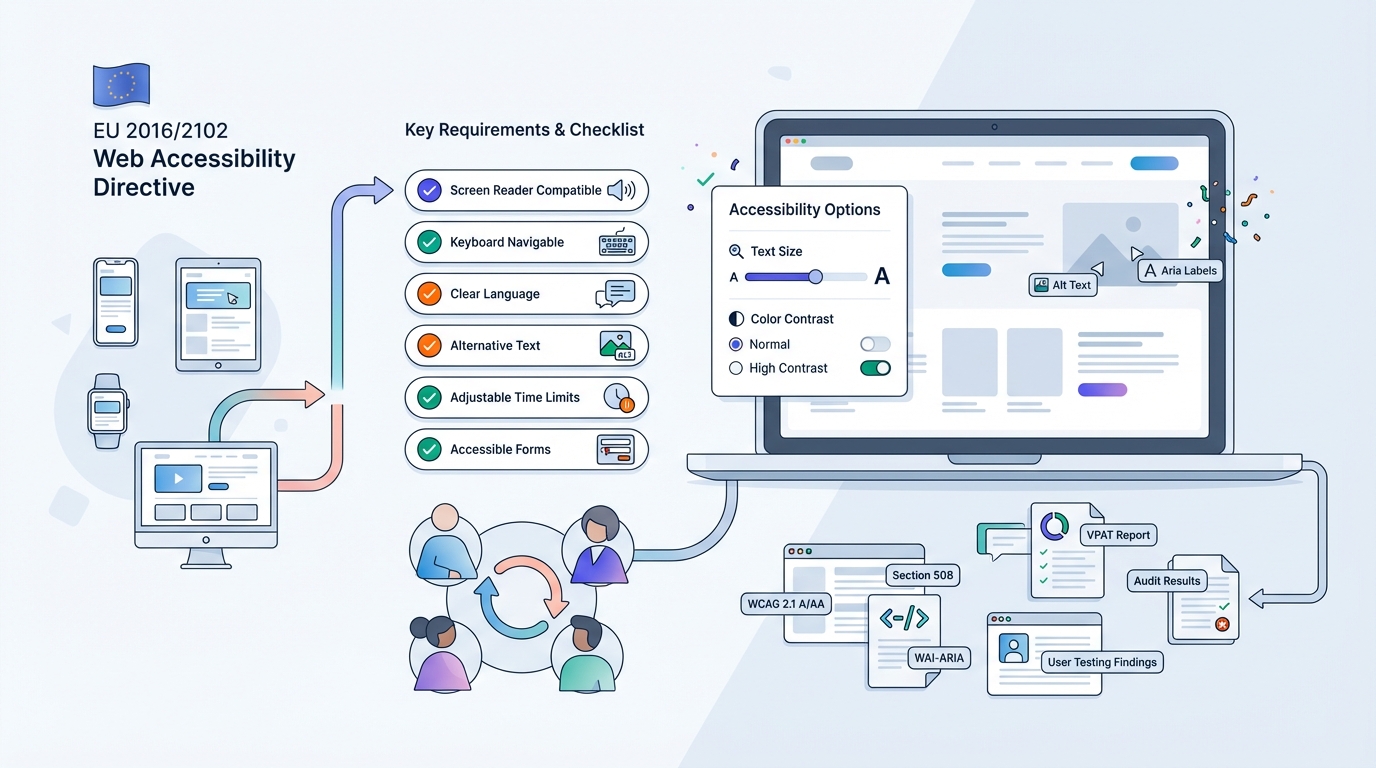
Public sector: Web Accessibility Directive (EU 2016/2102)
For websites and apps of public sector bodies, accessibility is mandatory (including documents you publish). The directive points to a European standard for technical implementation: EN 301 549.
Sources: Directive (EU) 2016/2102 and EN 301 549.
- https://eur-lex.europa.eu/eli/dir/2016/2102/oj/eng
- https://www.etsi.org/deliver/etsi_en/301500_301599/301549/03.02.01_60/en_301549v030201p.pdf
Broader (scope-dependent): European Accessibility Act (EU 2019/882)
The European Accessibility Act extends accessibility requirements to a range of products and services (with national implementation), applying from 28 June 2025.
Practical takeaway: if you publish PDFs as part of your digital services or public information, you should assume they must be accessible. PDF/UA is the most widely used standard to make “accessible PDF” concrete, because it defines exactly what a PDF needs for assistive technology.
3) What is PDF/UA, exactly?
PDF/UA (Universal Accessibility) is the ISO standard ISO 14289-1 for accessible PDFs.
Its goal is that a PDF is:
- semantic (headings, paragraphs, lists, tables, figures),
- supports navigation (reading order, bookmarks where relevant),
- has reliably extractable text (Unicode mapping),
- and contains the right “accessibility hooks” (like alt text, document language, table headers).
Useful starting points:
- ISO 14289-1:2014 info: https://www.iso.org/standard/64599.html
- PDF Association overview: https://pdfa.org/resource/iso-14289-pdfua/
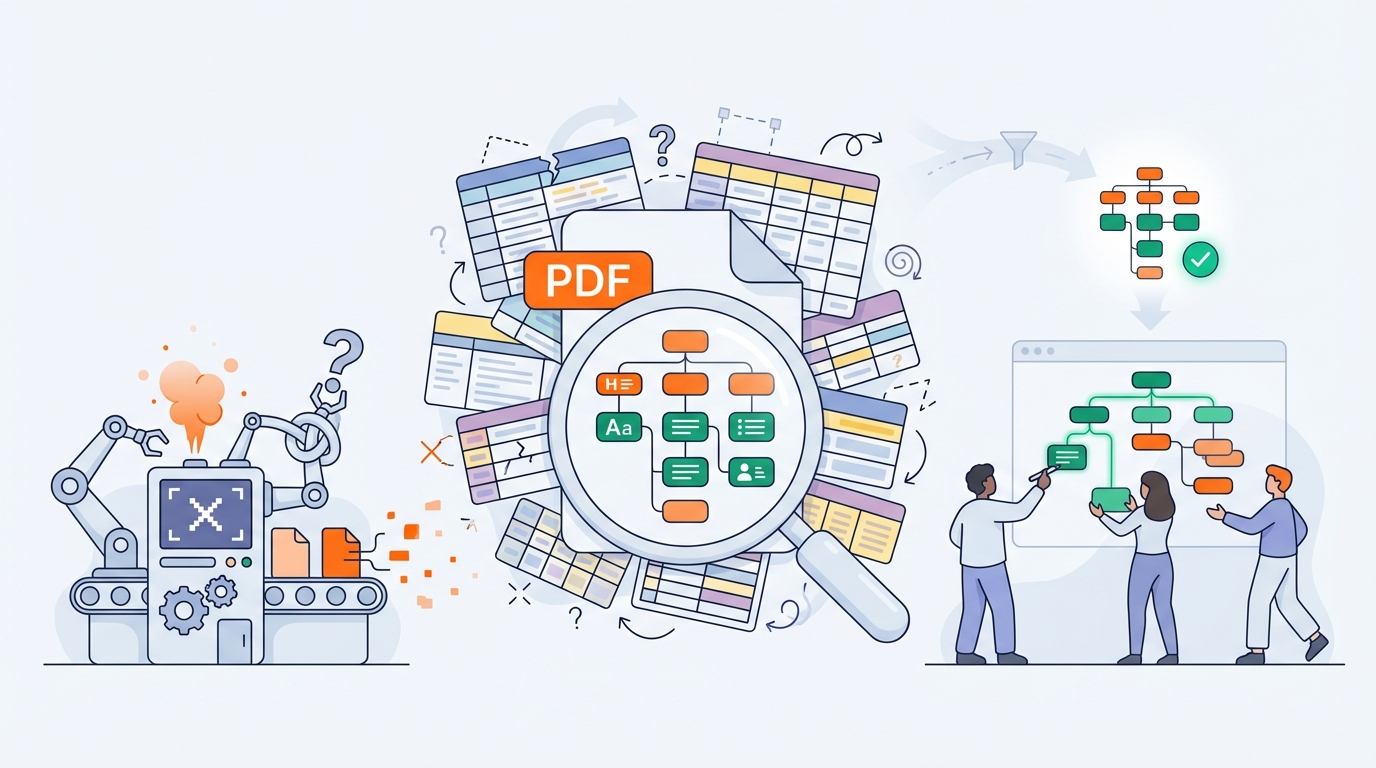
4) Why a quick “conversion” often doesn’t work
Many tools promise “Make accessible” or “Auto-tag”. In practice, they often fail because:
- the source PDF has no semantics (the tool has to guess),
- tables/columns/footers are misinterpreted,
- and “tags that exist technically” don’t automatically mean the content is logically correct.
That’s why our approach is different: we reconstruct the document explicitly, based on a content model per document type.
5) Elk Solutions’ automated solution
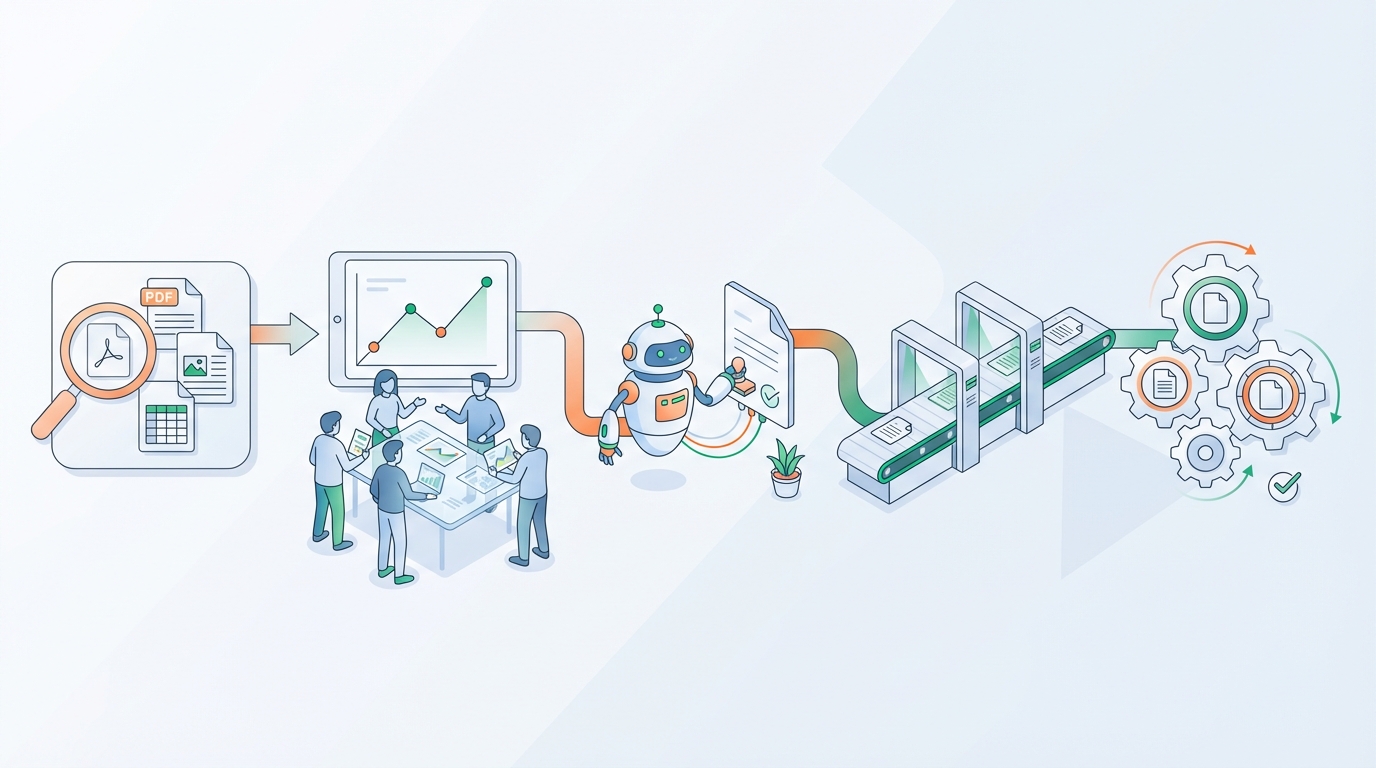
Our pipeline is built for scale: hundreds to tens of thousands of PDFs, typically with a limited number of templates (“document types”) but huge volumes.
Step 1 — Analysis: what’s really inside this PDF?
We start with a technical and semantic analysis, for example:
- is there a text layer (yes/no),
- are tags/structure tree present (yes/no and quality),
- reading order and artifacts (headers/footers),
- fonts/encodings and Unicode-mapping risks,
- table/figure detection,
- document properties (title, language),
- and an initial veraPDF pre-check for PDF/UA (where does it fail?).
Output: a diagnostic report per document + a consolidated overview.

Step 2 — Classification: split into document types
On large websites you’ll see repetition: the same template (decision, form, brochure) appears hundreds of times.
We cluster documents based on, among other things:
- page geometry and margins,
- typographic profile (font families + sizes),
- header/footer patterns,
- presence of tables/lists,
- recognizable headings (“Article”, “Annex”, “Contents”),
- and layout traits (columns, sidebars).
Goal: a small set of document types to which we can apply targeted reconstruction rules.
Step 3 — Extraction: text, fonts, and images
Per document type we extract:
- Text: with positions, font IDs, style signals, and (where possible) Unicode mapping.
- Fonts: embedding status and (if needed) a replacement strategy.
- Images: raster + vector, resolution, and context (caption/figure reference).
Important: we don’t extract “flat”; we preserve layout and semantic signals (columns, indents, table rules, list markers).
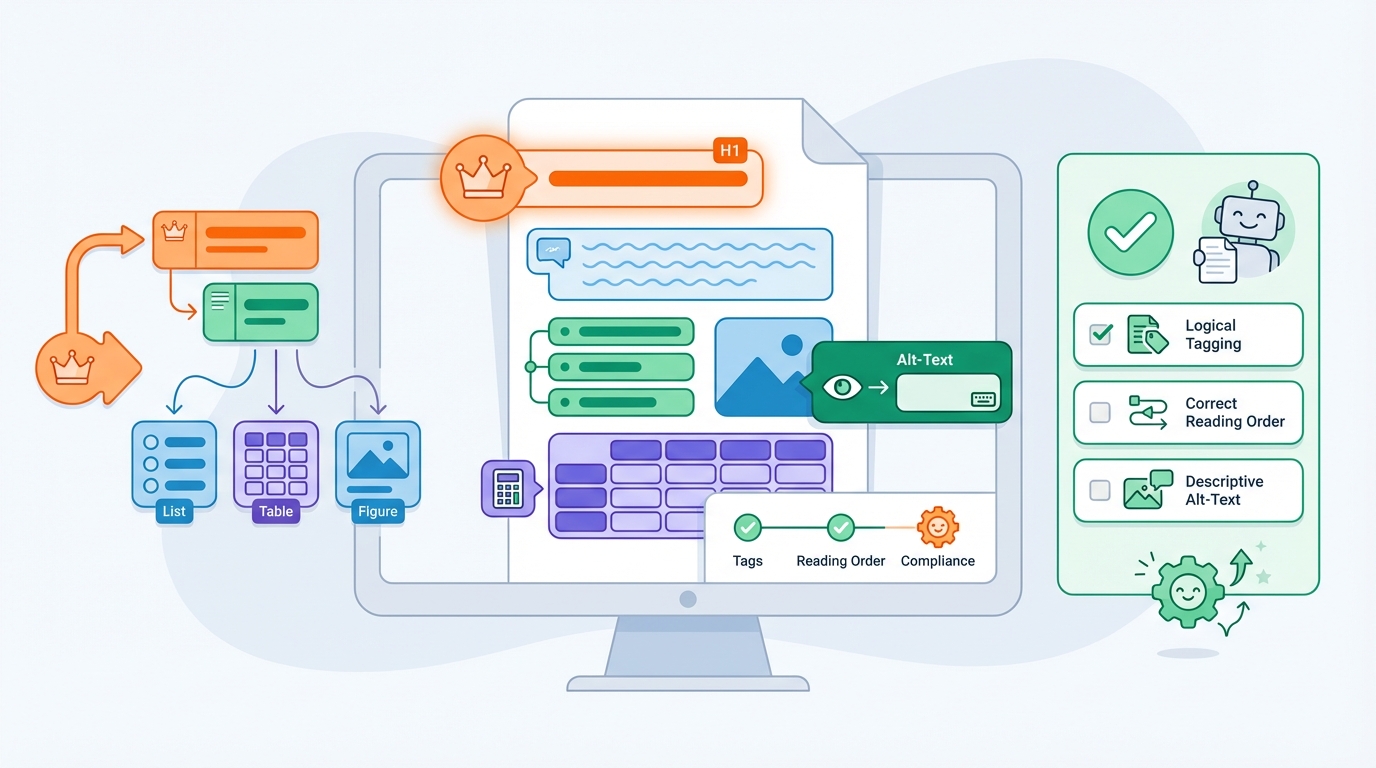
Step 4 — Rebuild logical structure (Tagged PDF)
This is the core of accessibility.
We reconstruct, among other things:
- Heading hierarchy (H1/H2/H3) based on typography + pattern recognition.
- Paragraph structure (blocks, whitespace, indentation).
- Lists (bullets/numbering) with correct nesting.
- Tables (rows/columns/headers) including header assignments and scope.
- Figure + caption relationships, including alt-text policy (automatic where possible, otherwise workflow).
- Reading order (especially in multi-column or complex layouts).
- Language and title (document language and document title in metadata).
Result: a structure tree that is logically correct and technically validatable.
Step 5 — Regeneration: build a new PDF that is PDF/UA-proof
Instead of “patching in place”, we regenerate the PDF with PDF/UA requirements as the starting point.
We take care of, among other things:
- Correct tagging + marked-content mapping.
- Reliable Unicode mapping for text (search/copy/screen readers).
- Proper handling of artifacts (headers/footers, page numbers where appropriate).
- Images with alt text (automatic or with a review flow).
- Tables with correct headers and relationships.
- Document properties: title, language, and consistent metadata.
Optional: if you also need archiving compliance (e.g., internal records requirements), we can generate a PDF/A variant that supports tagging (e.g., “-a” conformance in later PDF/A versions). But if your primary goal is accessibility, PDF/UA is the right target.
Step 6 — Validation: check with veraPDF (PDF/UA)
After regeneration we validate automatically with veraPDF.
veraPDF supports PDF/UA validation profiles and runs machine-verifiable checks (for PDF/UA, some requirements are inherently “human check”, such as the quality of alt text).
We deliver:
- pass/fail per document,
- a machine-readable report (JSON/XML),
- and a human-readable report with concrete error locations.
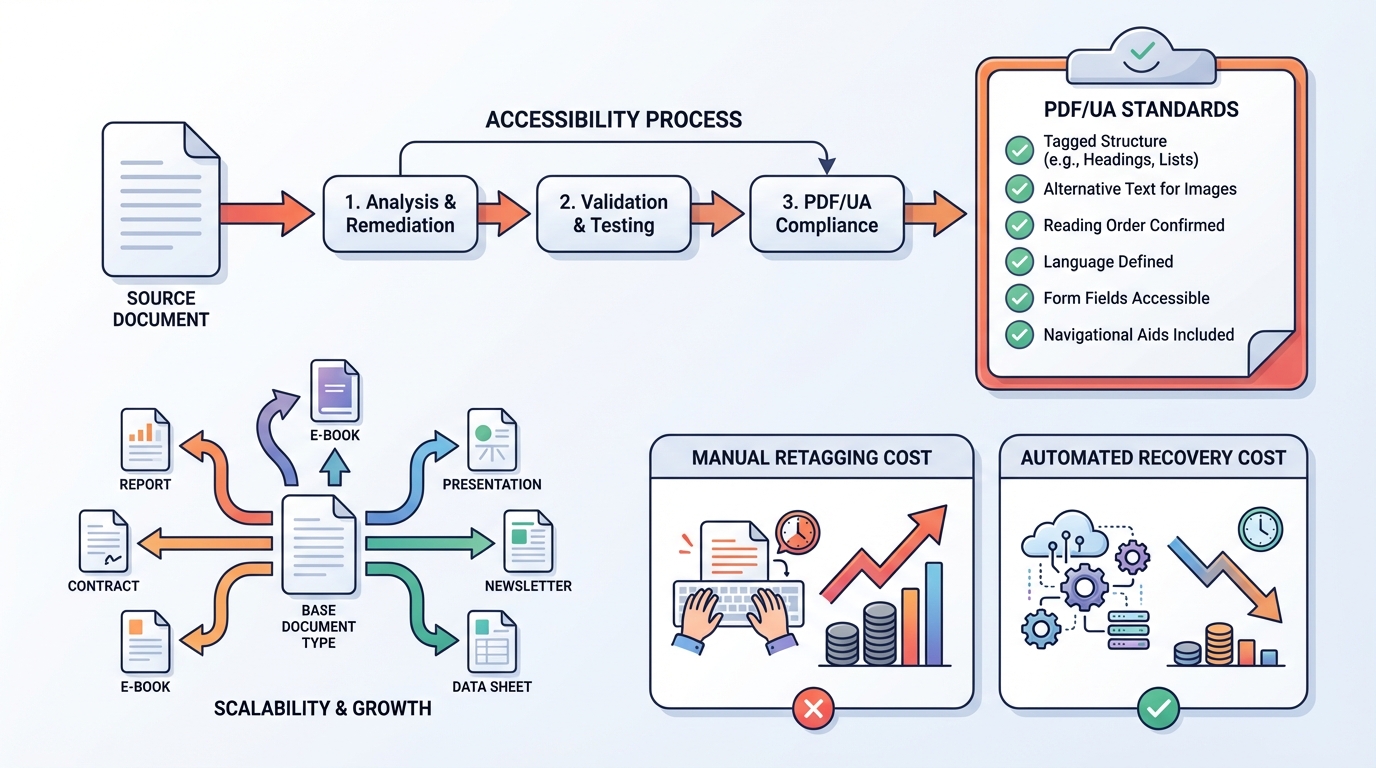
6) What do you gain?
- Demonstrable document accessibility (PDF/UA as a concrete standard).
- Much lower remediation cost than manual retagging.
- Scalable: define document-type rules once → fix thousands of documents.
- Audit trail: you can show what was checked and how.
7) Practical rollout in your organization
A typical rollout:
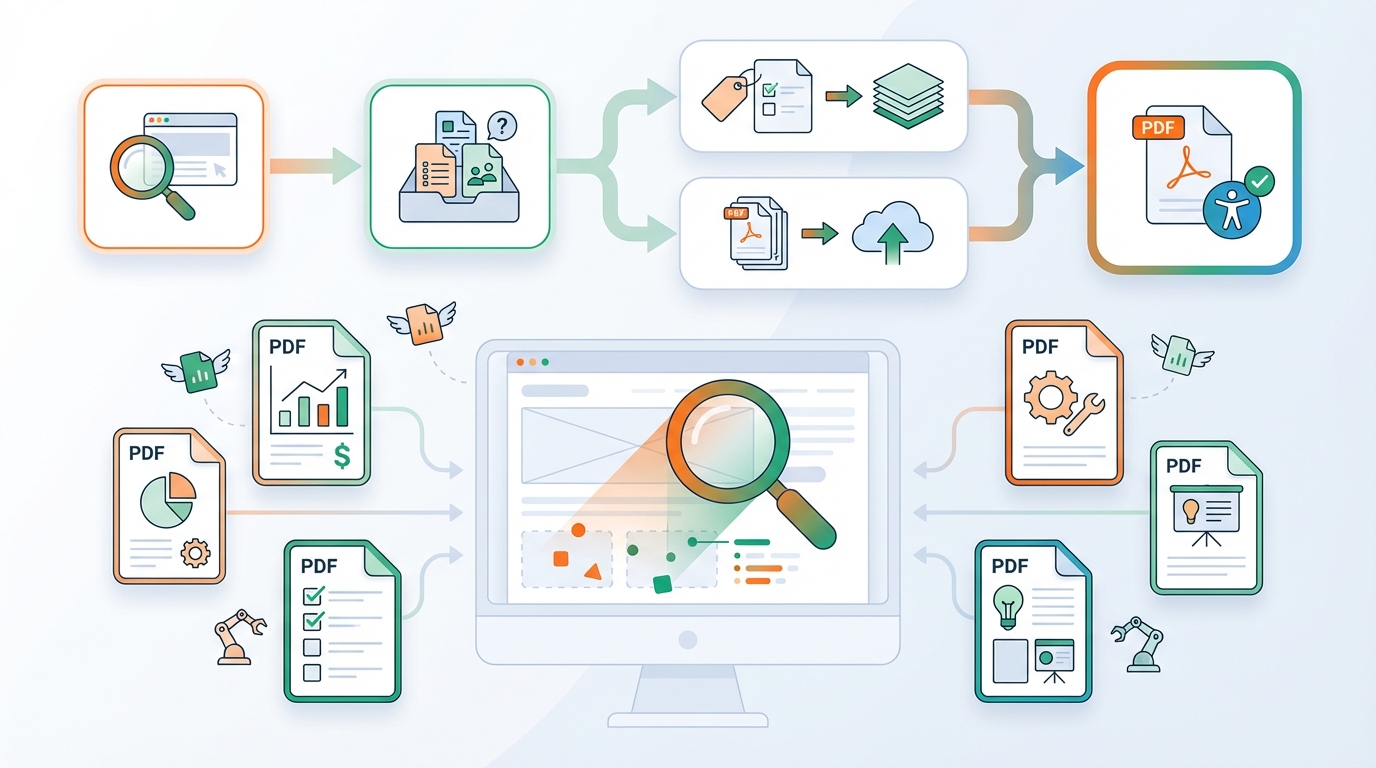
- Inventory: crawl your website(s) or ingest via DAM/CMS/DMS.
- Baseline: analysis + clustering + first reporting.
- Pilot: automate 2–5 document types end-to-end.
- Scale: batch processing + monitoring for new uploads.
- Governance: integrate into your publishing workflow (CI/CD, CMS hooks, DMS export).
8) FAQ
“Is PDF/UA enough for WCAG/EN 301 549?”
PDF/UA is the PDF-specific accessibility implementation. EN 301 549 references requirements for documents that align with WCAG. In audits you often see: EN 301 549 as the legal/technical framework + PDF/UA as the technical standard for PDFs.
“Do you also handle OCR for scans?”
Yes, but accessibility also requires structure recognition (headings, tables, reading order). That can be largely automated, but it depends on scan quality and document complexity.
“How do you handle alt text?”
We support:
- automatic alt text (where safe and predictable),
- human-in-the-loop review for critical figures,
- and policy per document type (e.g., decorative images as artifacts).

9) Want to know how your site scores?
We can:
- run a quick scan (sample or full set),
- identify document types,
- and provide a concrete plan to migrate to PDF/UA, including automated governance.
Send us a PDF set or a sitemap and we’ll show you what’s possible.
Sources
- Directive (EU) 2016/2102 (Web Accessibility Directive)
https://eur-lex.europa.eu/eli/dir/2016/2102/oj/eng - EN 301 549 v3.2.1 (2021-03)
https://www.etsi.org/deliver/etsi_en/301500_301599/301549/03.02.01_60/en_301549v030201p.pdf - Directive (EU) 2019/882 (European Accessibility Act)
https://eur-lex.europa.eu/eli/dir/2019/882/oj/eng - ISO 14289-1:2014 (PDF/UA-1)
https://www.iso.org/standard/64599.html - PDF Association: ISO 14289 (PDF/UA)
https://pdfa.org/resource/iso-14289-pdfua/ - veraPDF (PDF/A & PDF/UA validator)
https://verapdf.org/
https://docs.verapdf.org/validation/